PURCHASE ORDER SOFTWARE
Purchase order software that starts from an authorised supplier decision.
Purchase order software turns an approved award into a controlled supplier-facing order and keeps acknowledgement, changes, receipt and invoice evidence linked to that commercial commitment.
THE OPERATING PROBLEM
Keep context with the decision.
A PO created from memory may not match the approved supplier, price, scope or delivery terms. Later changes then live in calls and email while the original order appears unchanged.
WHO IT IS FOR
- Growing businesses issuing formal supplier orders
- Procurement teams managing partial deliveries and acknowledgements
- Finance teams that need the order basis before invoice review
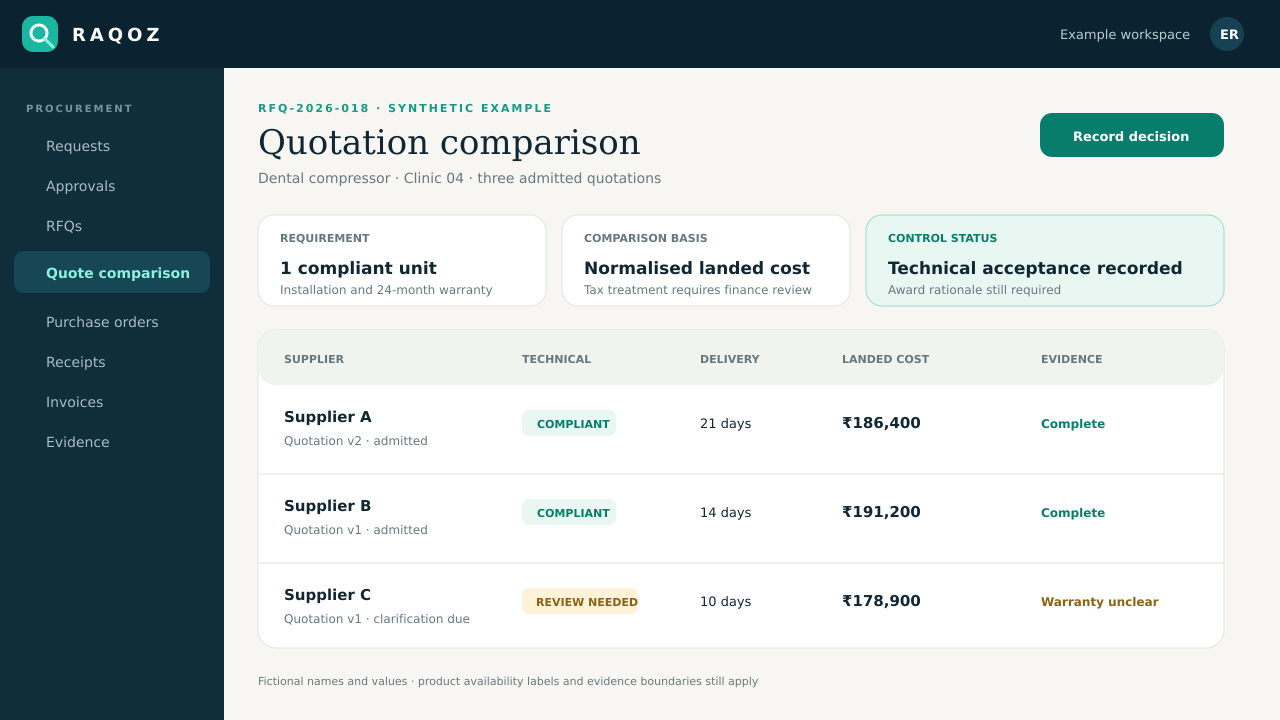
CONNECTED WORKFLOW
From the request to evidence a reviewer can follow.
Create
Generate the order from the approved award and commercial terms.
Issue
Send the controlled supplier-facing version with attributable authority.
Acknowledge
Keep supplier acknowledgement and message evidence against the order.
Receive
Record partial or full goods receipt and later invoice evidence.
REALISTIC EXAMPLE
One purchase, end to end.
An approved two-unit equipment award becomes one PO with delivery, installation and payment terms. The supplier acknowledges it, one unit arrives first, and both receipt and invoice review retain the original order basis.
What RAQOZ does not replace
RAQOZ does not replace contract drafting, an accounting ledger, tax review, bank execution or specialist inventory and MRP systems.
Start with one bounded scope
- Lock the minimum commercial fields that must come from the award.
- Define who may amend or cancel an issued order.
- Train receiving teams to reference the PO rather than acknowledge delivery in a separate chat.
Move from Excel, email and WhatsApp
- Choose one department, location or recurring purchase type; do not migrate every historic spreadsheet on day one.
- Import the supplier and item records that are still active, then assign an owner to duplicates and missing fields.
- Keep old email, WhatsApp and spreadsheet files as source evidence while new purchases begin in the controlled workflow.
- Define who requests, approves, sources, receives and reviews invoices before switching the first live purchase.
Security and evidence boundaries
- Organisation data and procurement records remain tenant-scoped; public-site analytics never receives supplier names, prices, documents or purchase records.
- Material workflow actions retain actor and timestamp evidence, while corrections create new evidence instead of silently rewriting history.
- RAQOZ records procurement decisions and payment states. It does not move money, replace the accounting ledger, certify compliance or issue audit, tax or legal conclusions.
USEFUL NEXT STEPS
Use the workflow before buying it.
BUYER QUESTIONS
Questions worth answering before rollout.
Can RAQOZ create a PO without an RFQ?
Governed direct and external PO routes exist for authorised cases; they retain the request, approval, policy and evidence basis.
Can suppliers acknowledge a PO?
Yes. Supplier acknowledgement is a released capability and remains linked to the controlled order.
Does RAQOZ post the PO to accounting?
Provider-ready exports are beta. Direct ERP writes remain planned and are never implied by this page.
Can receipts be partial?
The workflow supports partial and full receipt evidence; page-level labels describe the current release boundary.
ONE PRIMARY ACTION
Prove the workflow with one real purchase.
Start with one department or location. Preserve the old evidence, define the owners and learn before widening the rollout.
Issue one accountable order